← all games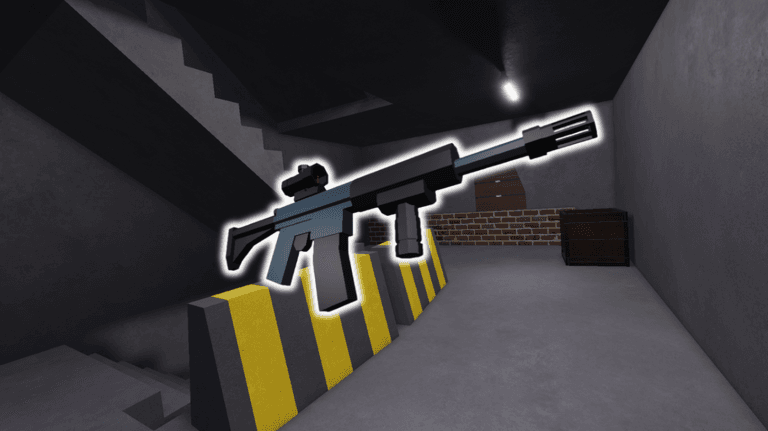
Combat
- Silent Aim
- shots land on whoevers near your crosshair without moving your camera. fov up to 800 px, hit chance slider if you want some misses
- 7 settings
- Checks
- wall and team checks for silent aim
- 2 settings
- Triggerbot
- fires the moment your crosshair is on someone. reaction delay goes from 0 to 0.5s
- 4 settings
- Aimbot
- drags your camera onto targets. strength, speed and smoothing all tweakable
- 6 settings
- FOV
- draws your fov as a circle or square, with color and fill options
- 8 settings
- Kill Aura
- auto shoots anyone within 20 studs of you. set the fire delay yourself
- 4 settings
Weapons
- Recoil
- cut recoil down to whatever percent you want, or kill it fully
- 2 settings
- Firing
- no spread, full auto on any gun and instant ads. fire rate delay can go down to 0
- 5 settings
- Handling
- skip equip delay, reload up to 5x faster, auto reload when youre empty. also no safety and forced suppressor
- 6 settings
- Aim Warning
- shows a warning when someone is aiming your way. can limit it to only when theyre on you
- 4 settings
- Viewmodel Offset
- move and rotate your gun on screen. x y z plus pitch yaw roll
- 7 settings
- Fire Sound
- swap your gunshot sound for a preset or your own sound id
- 6 settings
- Skin Changer
- pick any skin for your gun
- 2 settings
Visuals
- ESP
- boxes, names, health bars, skeletons. also shows weapon and class, out to 1000 studs
- 13 settings
- Chams
- players glow through walls. pick the material and color, or use team colors
- 9 settings
- World ESP
- shows gadgets like drones, cameras, claymores and c4 through walls, with name and distance
- 6 settings
- Vision
- see through smoke, ignore flashbangs and soft walls turn see-through
- 3 settings
- Radar
- little radar on screen showing players around you. size and range adjustable
- 3 settings
- Style
- colors and font size for the esp text and boxes
- 5 settings
Effects
- Hit Notify
- pops up a notification when you land a hit. you can set your own text
- 4 settings
- Hit Sound
- plays a sound on hit. comes with presets or use a custom id
- 7 settings
- Hit Chams
- flashes whoever you hit with a colored material for a sec
- 5 settings
- Hit Overlay
- screen overlay when you hit someone, fade in and out timing is yours
- 9 settings
- Hide Hit Effects
- turn off the hurt effect, hit marker, kill feed and the rest of the hit clutter
- 5 settings
- Sound Visualizer
- shows where footsteps and other sounds are coming from. filter to enemies only if you want
- 5 settings
- Target HUD
- small hud with info on whoever youre fighting
- 4 settings
World
- Lighting
- custom ambient colors, fog, brightness and time of day
- 11 settings
- Effects
- color correction, bloom and motion blur
- 8 settings
- Weather
- adds rain, snow or ash to the map. rate, size and spread all adjustable
- 9 settings
- Atmosphere
- tweak the atmosphere density, glare and haze
- 7 settings
- Skybox
- swap the sky for void, stars or a custom one
- 2 settings
Player
- Basic
- fly up to 200 speed, plus walkspeed and cframe speed
- 6 settings
- Movement Exploits
- always sprinting, faster sprint up to 3x, instant prone and noclip
- 5 settings
- Third Person
- play in third person with your own camera offset and distance
- 5 settings
- Field Of View
- set your fov anywhere from 30 to 120
- 2 settings
- Deploy
- deploys you automatically
- 1 setting
- Streamproof Name
- hides your real name on screen so you can stream
- 2 settings
- Mobile Dock
- on screen buttons for mobile. aim, trigger, aura, fly, noclip, third person
- 3 settings